

How to use AI to quickly write and automate a simple, effective welcome email that builds trust and drives the first click
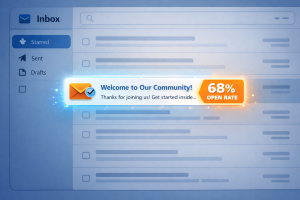 I was reviewing email stats for one of our students last month when something jumped out at me: their welcome email had a 68% open rate. Their best-performing broadcast? 22%.
That welcome email was sitting there, quietly outperforming everything else they’d sent for the past six months. And the best thing is they’d written it three years ago and never looked at it again.
Most marketers get too busy planning launches, writing newsletters, and building funnels to pay attention to the single email that nearly every subscriber will actually open.
This is the most high-leverage email you’ll ever send. And if you’re using a generic template or something you threw together in ten minutes back in 2019, you’re leaving money on the table.
The good news? AI has made it absurdly easy to write a strong welcome email from scratch. You just need five minutes and the right prompts.
In this post, I’ll show you how to draft, refine, and automate a welcome email that builds trust and gets that first click. One email. One clear goal. Done in five minute
Why Welcome Emails Matter More Than Any Other Automation
There’s a small window of attention right after someone joins your list. They just gave you their email address and they’re expecting something from you. For a brief moment, they’re actually paying attention.
What a Welcome Email Is Actually Supposed to Do
Let’s clear something up. A welcome email is not your origin story, a sales pitch, or a content dump.
It has three jobs: confirm they made the right decision, set expectations for what happens next, and get one small action—one click, one reply, one step forward.
That’s it.
 One-Minute Prep Before Using AI
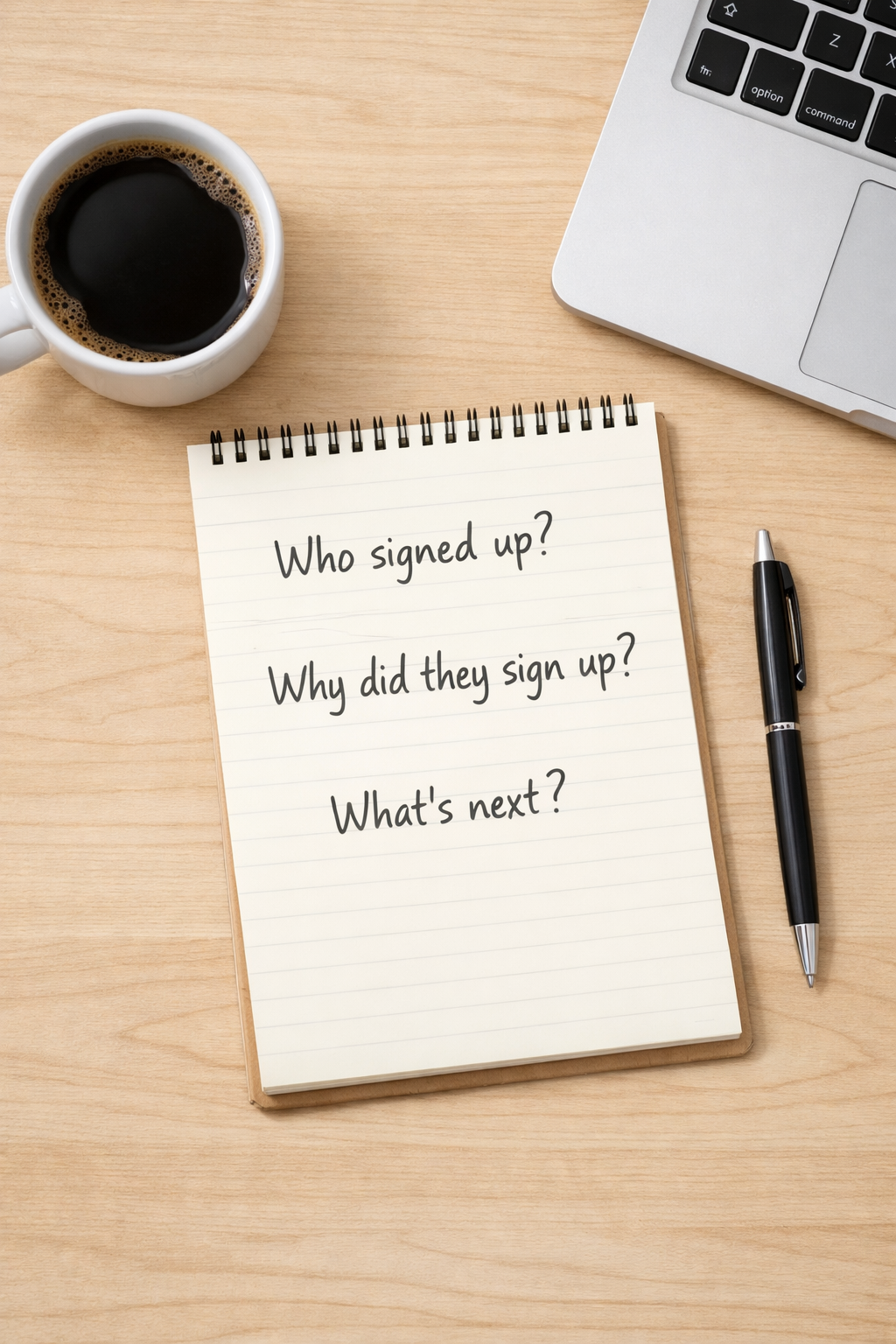
Before you ask AI to write anything, spend sixty seconds answering three questions:
- Who just signed up?
- Why did they sign up?
- What should they do next?
Jot this down right now so that when you feed AI this context, you get something usable instead of generic.
The Simple Structure of a High-Converting Welcome Email
Here’s the structure that works:
Acknowledge the signup. Reinforce the benefit. Set expectations. Include one clear call to action.
This order works because it mirrors how people actually think after signing up. They want confirmation, reassurance, clarity, and direction. In that order.
Step 1: Draft the Welcome Email With AI
AI won’t write your perfect email on the first try. But it will give you a solid first draft in about ninety seconds or less.
Here’s the exact prompt to use. Copy and paste this, then customize the bracketed sections with your own details:
“Write a welcome email for someone who just signed up for [describe what they signed up for]. They signed up because [explain their motivation or pain point]. The tone should be friendly and conversational, not salesy. Keep it under 150 words. The email should: (1) acknowledge the signup, (2) reinforce the benefit, (3) set expectations for what happens next, and (4) include one clear call to action: [describe the action you want them to take]. End with a simple sign-off.”
 Paste that into ChatGPT or Claude and see what comes back. You’re looking for something usable, not perfect. A good first draft is something you can edit in a minute or two, not something you have to rebuild from scratch.
If the first output feels close but not quite right, you can refine it. But don’t overthink it at this stage—you’ll improve the tone in the next step.
Step 2: Refine the Tone So It Sounds Human
AI drafts often feel a little flat or corporate. If the first draft doesn’t sound like you, use this follow-up prompt:
“Rewrite this email in a friendlier, more conversational tone. Make it sound like I’m talking to a real person, not a subscriber list. Remove any formal language. Keep it natural and human.”
When you review the output, ask yourself: Would I actually say this? If not, tweak it.
Step 3: Generate a Strong Call to Action
Weak CTAs kill momentum. “Check out my stuff” won’t get clicks.
Use this prompt if your CTA feels vague:
“Write a clear, action-oriented call to action for this welcome email. The goal is to [describe what you want them to do]. Make it benefit-driven and easy to understand. Keep it to one sentence.”
Only one CTA. Not three. By picking one thing you make things clear to your subscriber.
Optional but Powerful: Create a Plain-Text Version
Plain-text welcome emails often outperform designed ones because they feel personal—like an email from a real person, not a marketing department.
If you want to test this, use this prompt:
“Rewrite this email as plain text with no HTML, no formatting, and no design elements. Make it look like a personal email I’d send to a friend.”
Try both versions. Send half your list the designed email and half the plain-text version. See which gets more clicks.
How to Add This to Your Automation
Most email platforms have a simple way to set up a welcome email—usually called an “automation” or “sequence.”
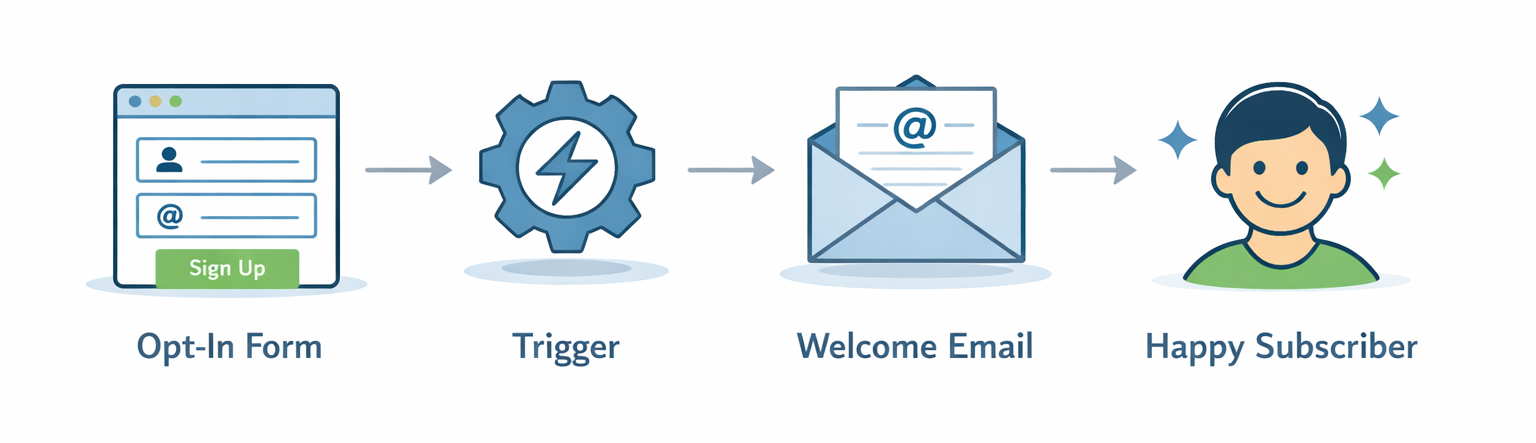 The trigger is almost always: someone opts in to your list. When that happens, the welcome email goes out immediately.
Don’t overthink this. You’re setting up one email to send automatically when someone subscribes. And don’t follow it with six more emails over the next three days. Let people breathe.
Improve This Email Over Time Using AI
Your welcome email is an asset. Check in on it occasionally.
After a few weeks, look at the stats. How many people opened it? Clicked? If something’s not working, ask AI to help analyze it:
“I sent a welcome email with a [X]% open rate and a [Y]% click rate. The goal was to [describe your goal]. What might be causing the low performance, and how could I improve it?”
Even one small tweak can make a difference when this email is being sent to every new subscriber.
The 5-Minute Action Plan
Here’s what to do right now:
- First, answer the three prep questions. Who signed up? Why? What’s next?
- Second, paste the drafting prompt into AI and customize it with your details.
- Third, refine the tone and CTA using the follow-up prompts if needed.
- Fourth, add the email to your automation so it sends immediately after someone opts in.
- Fifth, turn it on.
I promise this won’t take long yet it’s one of the highest-leverage tasks you’ll complete this week.
Don’t wait until you have “more time” or until you’ve planned your entire email strategy. Do this now. Your next subscriber deserves a strong first impression.
Want to build the entire email system that follows your welcome email? LaunchPad Pro makes it easy to create simple, high-converting landing pages and automate your email follow-up without the overwhelm. Click Here to try it for free.

