

Most online sellers believe the next revenue jump comes from somewhere outside the business. More traffic. A bigger list. A new launch. The truth is that the cheapest dollar in any online business is the second dollar from someone who is already pulling out their wallet.
I have watched this play out hundreds of times. A seller spends weeks tuning ads and writing emails to drag in new buyers, while the buyers they already have at checkout would happily spend more if they were simply asked. The most expensive way to add revenue is to add a customer. The cheapest way is to extend a buying decision a customer has already made.
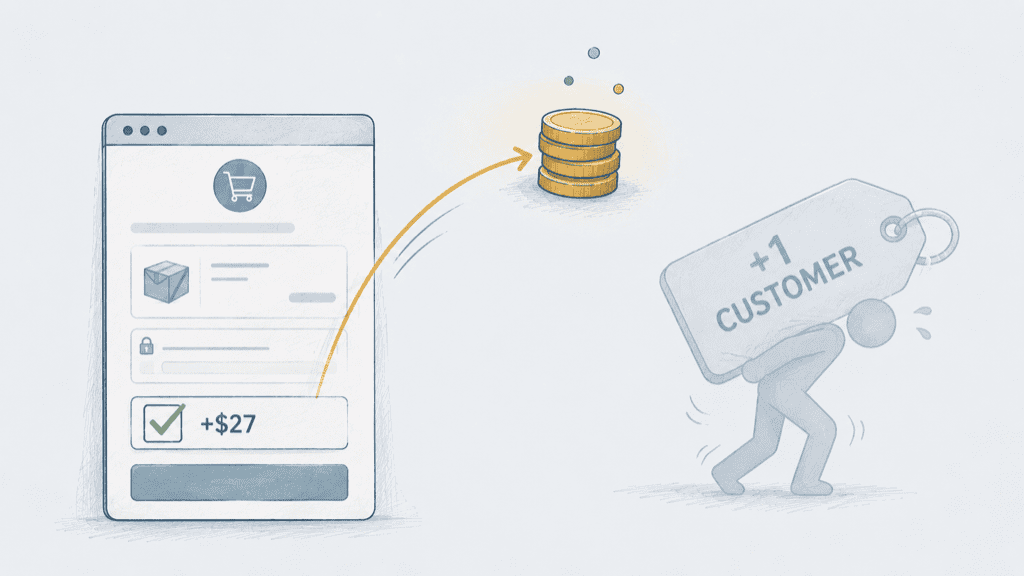
The simplest tool for doing that is the order bump. It is a single optional checkbox on the checkout page offering a small companion product the buyer can add with one click. There is no second sales pitch, no separate funnel, and no extra emails. The buyer is already in motion, and the bump lets them say yes one more time without slowing down.
Done well, an order bump adds 20 to 30 percent to your monthly revenue. On a six-thousand-dollar month, that is roughly $1,800 you are leaving on the table right now. And the best part is that you do not need to build a single new product to capture it. You almost certainly already own the asset that would work.
The Repurposed Asset Method
The reason most sellers never add an order bump is that they assume they need a second product. A second product means more building, more writing, and more testing, and that work feels like a separate project they will get to “later.” Later never arrives.
The Repurposed Asset Method removes that block entirely. The bump is something you already have sitting in Google Drive. The work isn’t building, it’s choosing the right asset and pairing it correctly with the main offer. Two simple rules govern the whole thing, and once you have run through them once, the entire setup takes an afternoon.
Step 1: Inventory Your Already-Built Assets
Open the folder where you keep your work and look for anything that helped you solve a real problem. The bar is genuinely low. Things that have worked well as bumps include recorded trainings or webinars, swipe files of subject lines or scripts, one-page checklists, case study PDFs, template documents, prompt libraries, and short cheat sheets.
The asset does not need to be polished. It does not need to be branded. It does not need to be new. The only real test is whether it would have helped you if someone had handed it to you when you were starting out. If the answer is yes, it can be a bump.

Step 2: Apply the Complementary Pair Rule
This is the rule that makes or breaks the bump. The asset has to finish the sentence the main offer started. If the main offer teaches a system, the bump is the templates that run the system. If the main offer is a course, the bump is the toolkit that goes with the course. If the main offer is a coaching call, the bump is the recorded masterclass that prepares the buyer to get more out of the call.
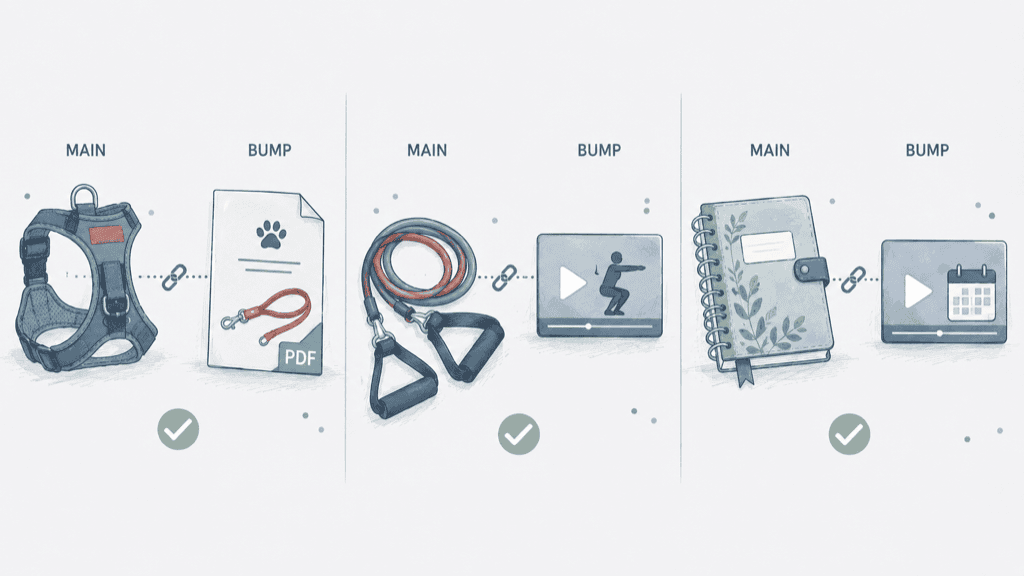
The bump should never compete with the main offer or sit beside it as a separate idea. It should feel like the obvious next step the buyer would have wanted anyway. Here are three pairings that follow the rule cleanly:
| Main Offer | Repurposed Asset Bump | Why It Pairs |
|---|---|---|
| A $39 dog harness (dropshipping store) | $9 PDF of 10 leash-training drills | The harness is the gear, the drills are the training that goes with it |
| A $34 resistance band set (ecom store) | $11 video pack of 15 beginner workouts | The bands are the equipment, the workouts show how to actually use them |
| A $27 printable budget planner (digital products) | $9 walkthrough video of someone using the planner for a real month | The planner is the system, the walkthrough is proof and instruction |
The pattern in each row is the same. The main offer is the engine and the bump is the fuel.
Step 3: Price It at $27 (and Why)
The $27 price point isn’t magic, but it works across nearly every type of buyer. It is low enough that adding it does not feel like a second purchase. It feels like a small tweak to the one the buyer is already making.
And it is high enough that the math adds up quickly, because ten buyers ticking the box clears $270 you did not have to chase.
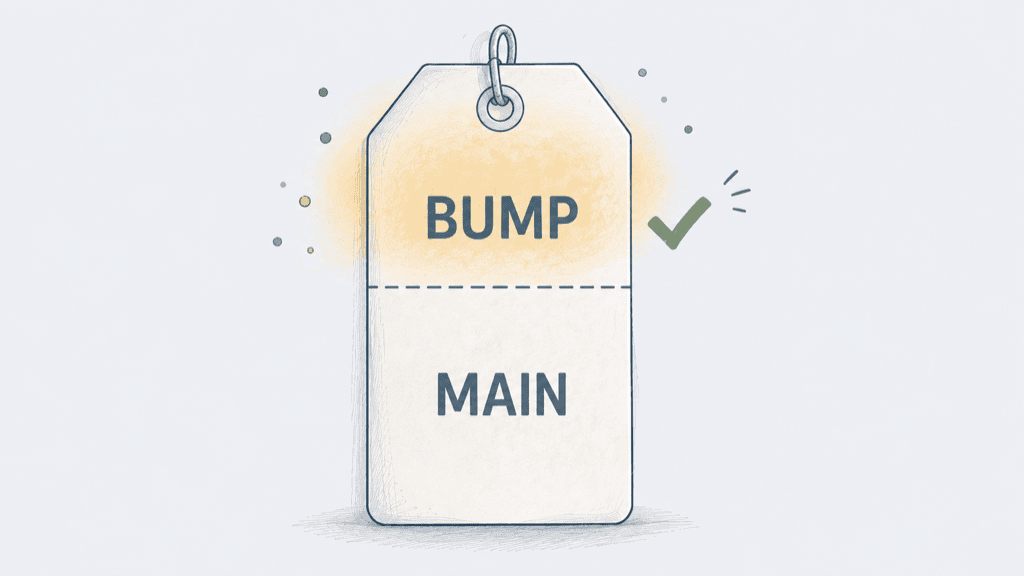
The general rule I use is that the bump should sit between 20 and 35 percent of the main offer price. That keeps it psychologically cheap relative to what the buyer has already committed to.
| Main Offer Price | Sweet Spot Bump Price |
|---|---|
| $47 | $17 |
| $97 | $27 |
| $197 | $47 |
| $297 | $67 |
| $497 | $97 |
Stay inside that band and the take rate generally sits in the 25 to 40 percent range for most offers I have seen.
Step 4: Make the Checkbox Obvious and the Copy Short
Long sales copy on an order bump kills the conversion. The buyer is in the middle of a checkout, not reading a sales page. The whole pitch needs to fit in a small box, and the rhythm is always the same. One short headline, one short description, one checkbox.
The copy template I use looks like this:
Yes, add the [Asset Name] to my order for an extra $27. This is the [one-sentence description of what it is and the specific outcome it produces]. I want the upgrade.
The headline names the price, the description names the outcome, and the checkbox does the work. The buyer either ticks it or doesn’t, and either way the main sale closes cleanly.
Three Real-World Scenarios

Scenario one: the dropshipping store. A store sells a $39 dog harness.
The bump is a $9 PDF the owner put together with AI a few months back, covering 10 short leash-training drills. Roughly 32 percent of buyers tick the box, and the harness reviews start mentioning the training drills, which lifts conversion on the main product too.
Scenario two: the ecommerce store. A fitness store sells a $34 resistance band set.
The bump is an $11 video pack of 15 beginner workouts the owner filmed on her phone for her own use last year and never released publicly. The take rate sits around 30 percent and customers are noticeably more likely to leave a review.
Scenario three: the digital product seller. An Etsy and Shopify seller sells a $27 printable budget planner.
The bump is a $9 walkthrough video showing how she used the planner during a single tight month, recorded once and offered as the standard upgrade on every order. The take rate hovers around 35 percent.
Why This Matters
Traffic is expensive. Attention is expensive. Building a new product is the most expensive thing of all because it pulls you away from selling the products you already have. The cheapest revenue in any online business is the revenue that comes from extending a sale that is already happening, and the order bump is the simplest mechanism for doing that.
When most sellers want to grow, they default to “find more buyers.” That is the hardest possible path. The easier path is to get a little more from the buyers you already have, and the order bump captures that without changing your funnel, your traffic, or your product. It just gives the buyer one more reasonable yes before they finish.
Your 5-Minute Quick Win
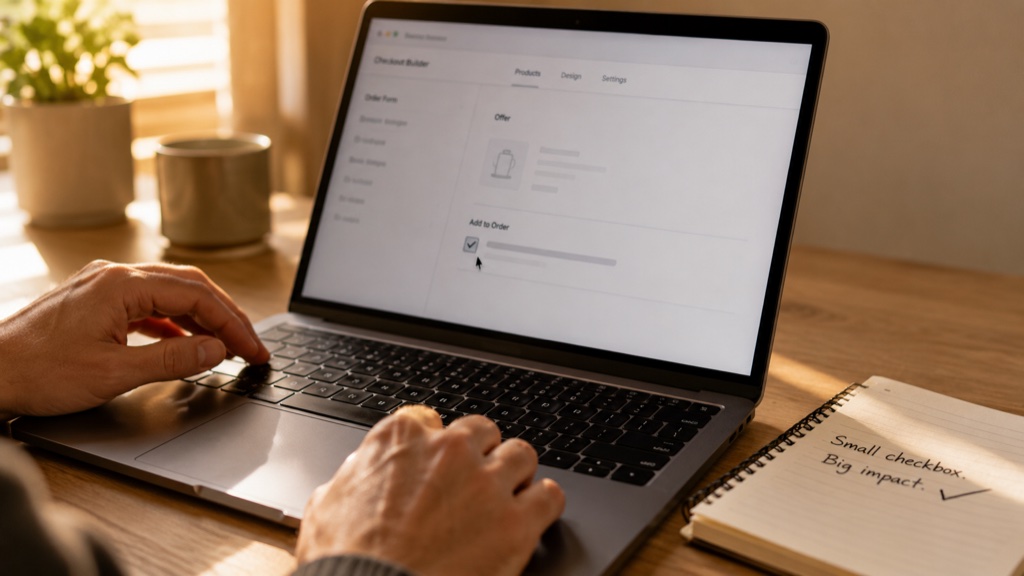
Before you close this post, do these four things:
- Open the folder where you keep your work and scan for one asset that pairs with your current paid offer.
- Write a single-sentence headline that names the outcome of the bump, with the price baked into the line.
- Write a single-sentence description of what the bump is.
- Add it as an order bump in your checkout tool. ThriveCart, SamCart, Shopify, Stripe, and Gumroad all support this in two clicks.
The whole thing takes about 5 minutes the first time. The revenue lift starts on your next sale.
“But What If…” (Objections)
“What if I don’t have an asset that fits?”
You probably do. Look at recorded trainings, swipe files, checklists, templates, prompt libraries, and worksheets. If you have ever taught anyone anything in your business, the asset exists. If you really don’t have one, record a 20-minute walkthrough of your best tip in a single afternoon and use that.
“What if my checkout tool doesn’t support order bumps?”
Most do, and the ones that don’t are worth replacing. ThriveCart, SamCart, Shopify (with apps like ReConvert), and Stripe Checkout all support bumps out of the box. If you are using a checkout that doesn’t, the upgrade pays for itself in a single weekend of sales.
“What if my customers think it’s pushy?”
A pushy order bump tries to interrupt the sale. A well-paired one extends it. As long as the bump genuinely helps the buyer get more out of the main purchase, almost no one finds it annoying. The take rates speak for themselves.
More sales does not always mean more customers. Sometimes it means one more checkbox at checkout, sitting next to an asset you built last year and forgot about. Most online businesses spend their energy chasing a new yes from a new person, when the easier money is in earning one more yes from the person already buying.
The next time you set up a sale, give the buyer one more reasonable thing to say yes to before they leave. Extend the yes you already have.

