
A shopper just bought from you. They picked the product, typed in their card, clicked the button.
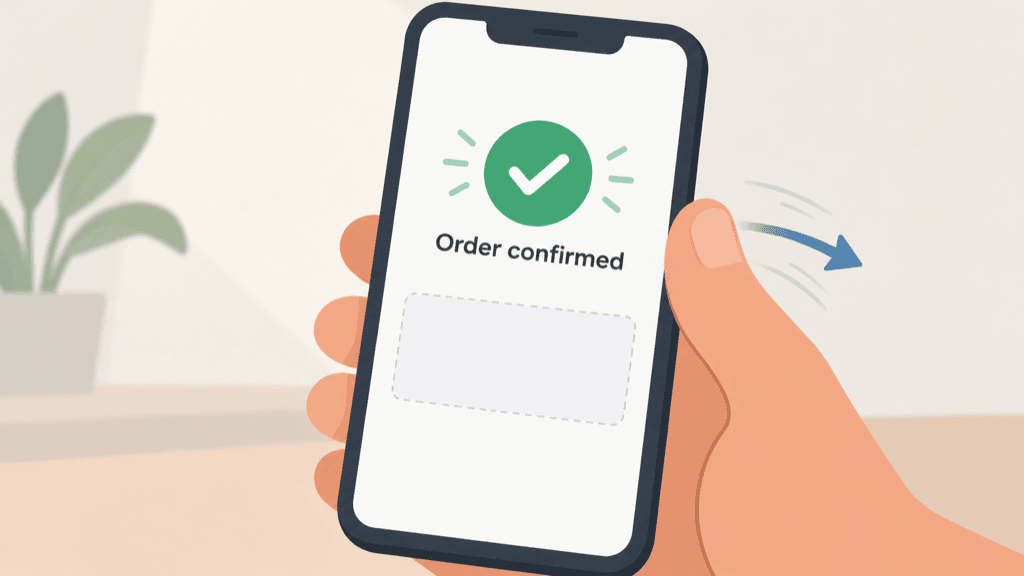
And the page they land on says “Thank you, your order is confirmed,” with an order number and nothing else.
Then they close the tab.
That page gets seen by every single buyer you have. One hundred percent of them. It’s the one moment where someone has their wallet already out, trusts you enough to have just paid you, and is sitting there with a bit of “okay, what’s next” energy still running. Most stores meet that moment with a receipt and a dead end.
You spent money and effort getting that person all the way to checkout. They said yes. The hard part is already behind you. So the easiest second yes you will ever get is the one quietly slipping away while the confirmation page sits there doing nothing.
By the time you finish this post, you’ll have:
- A one-sentence add-on offer written and ready to paste in
- The exact page in your store where it should live
- A simple way to make it a single click for the buyer
- An honest number for what it’s worth across your Q4 orders
The Thank-You Page Upsell
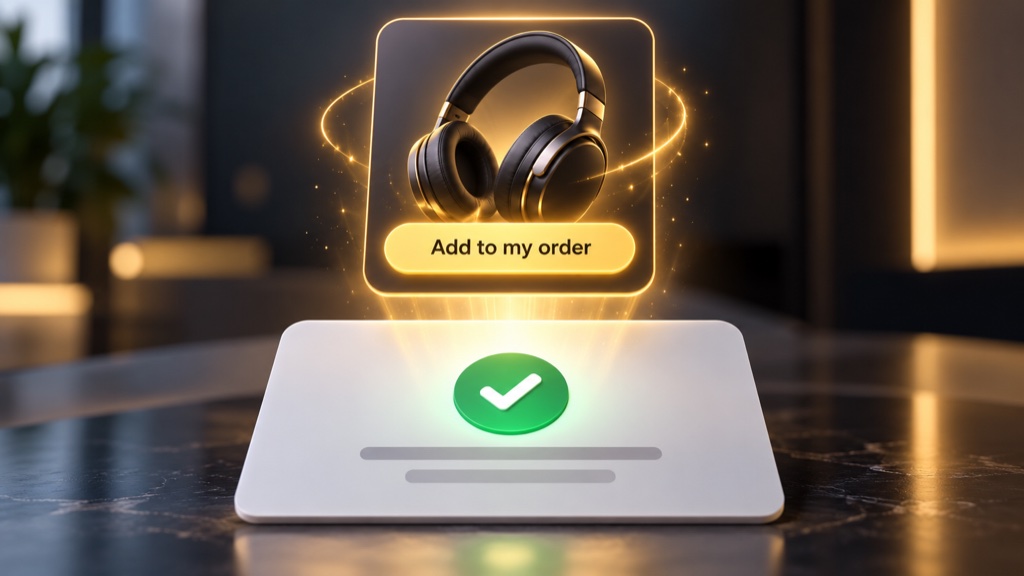
The fix is one relevant add-on, shown in the post-purchase moment right after payment, turned into a single click to say yes. I call it the Thank-You Page Upsell because it lives in that thank-you step at the end of checkout, the page doing the selling once the buyer has already paid.
It works for a few plain reasons. The buyer has already converted, so you’re not fighting to earn the first sale anymore. Trust is as high as it gets, because they just handed you their money and it went through. And an offer here can’t scare anyone out of the checkout, because the checkout is already done. This isn’t the only place you can upsell, and I’m not going to pretend it beats every other option for every store. It’s a strong slot that most stores leave completely blank, which is a strange thing to do with the one page all of your buyers see.
What $7 an Order Actually Looks Like
Let’s ground the number before you build anything, because a figure in a headline is worthless if it doesn’t hold up.
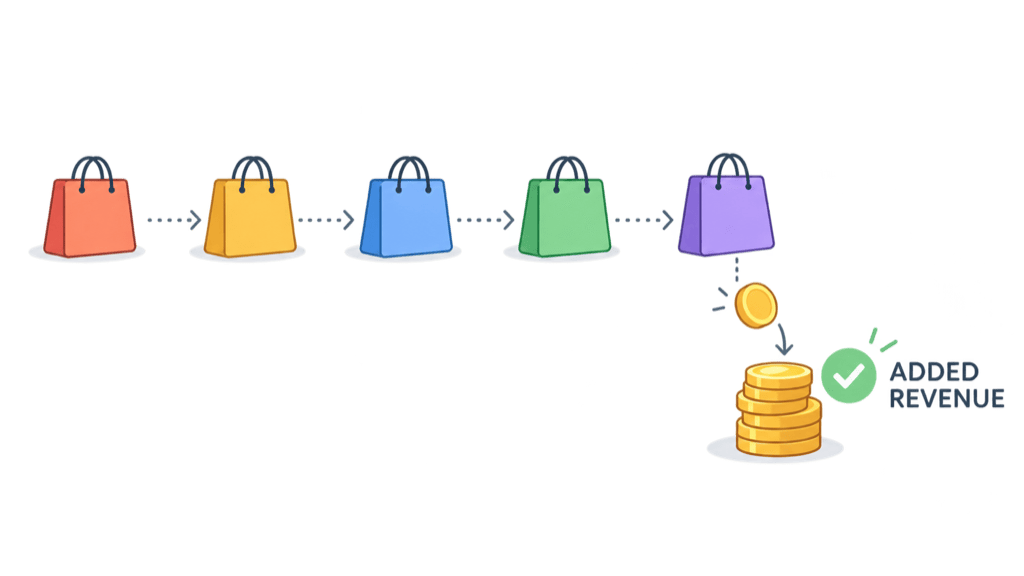
Say roughly 1 in 5 buyers takes a $35 add-on. Spread across every order you take, that’s about $7 of added revenue per order on average, whether or not that particular buyer accepted it. Across 300 holiday orders, that’s around $2,100 you weren’t collecting before.
Two honest caveats so you plan with real numbers:
- That $7 is revenue, not profit. Your actual take-home is the margin on the add-on after product cost, fees, and any discount you offer. Use your own numbers.
- Treat 1 in 5 as an illustration, not a benchmark. Real acceptance swings a lot with the offer match, the price, and where it shows up, and a lower-priced store or a weak match will see less. The $7 is a worked example to aim at, not a number to bank.
Even at half that rate, on real holiday volume, it adds up to money you’re not collecting today.
Step 1: Pick the one add-on that completes what they just bought
Pick a single item that finishes the job of the thing they just purchased, not your bestseller and not a random clearance product. Relevance is what makes a post-purchase offer feel like help instead of a shakedown.
The test is simple: would the buyer have reasonably wanted this alongside what they ordered? A case with a phone. A second filter with a water pitcher. A matching strap with a watch. If the add-on makes the first purchase work better, you’re on the right track.
Step 2: Write the offer as one plain sentence
Keep the offer to a single, benefit-led line. No paragraph, no hard sell. A template that works:
“Since you just grabbed [the product], add [the add-on] so you can [the benefit].”
For now, just say what the add-on is and why it helps. That’s the entire job of this sentence. The reason to act goes in Step 4, so leave it out here and let the relevance do the work.
Step 3: Make it one click, with no card re-entry
This is the part that makes the whole thing convert. The buyer should be able to add the item to the order they just paid for without typing their card details again.
On most platforms this is a post-purchase offer that appears on the payment-confirmation step, run by a one-click upsell app (that’s the category to search in your platform’s app store). Where it’s supported, the buyer taps once and it’s added to the order they just placed, with no card re-entry. Exactly where the offer appears, and whether it modifies the original order or creates a linked one, depends on your platform and the app, so confirm it works end to end on a test order before you rely on it.
Step 4: Give one honest reason to add it now
A relevant offer still needs a reason to say yes in the moment. Give one real incentive, never a fake countdown or invented scarcity:
- A small bundle discount for adding it to this order
- Or framing it so they skip paying a second shipping fee by adding it now instead of ordering separately later
Size the incentive so the discounted add-on still leaves you a margin worth having. The point is to nudge a decision the buyer already half-wants, not to buy the sale at a loss.
What all four steps look like assembled
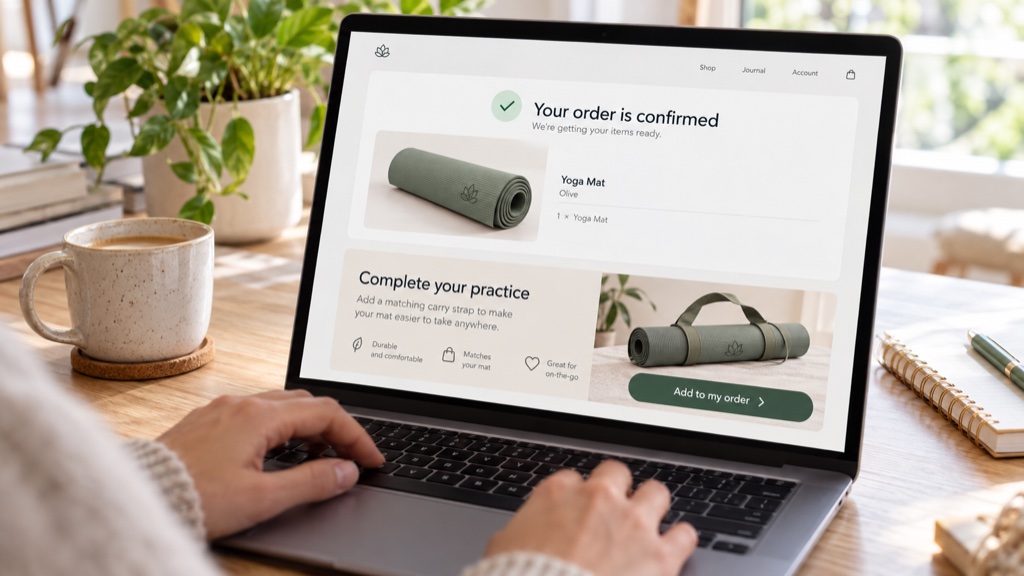
Here’s the finished offer for a store that just sold a yoga mat:
“Since you just grabbed the Grip Pro mat, add the matching carry strap for $12 ($4 off) so you can get it to class in one hand. Add to my order“
Four pieces in one line: a relevant add-on, a plain sentence, a one-click button, and a single honest reason, read in about two seconds.
If You Send Traffic Instead of Taking Orders
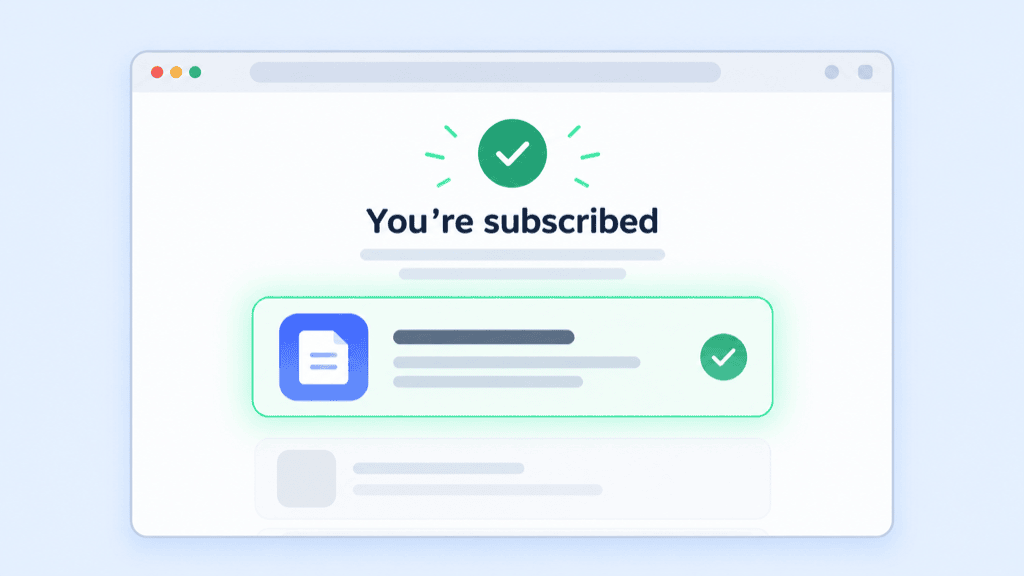
If you’re an affiliate with no checkout of your own, this isn’t a post-purchase upsell, so I won’t pretend it’s the same mechanism. But the principle carries over to a page you do control.
Run your own opt-in and you have a thank-you page that loads right after someone subscribes. That page is usually as blank as a store’s order confirmation. Put one complementary recommendation on it: a low-cost tool or a second offer that extends whatever they just signed up for. You’re using the highest-attention moment on a page you own instead of wasting it.
Three Real-World Scenarios
Scenario one: a dropshipping accessories store. Someone buys a phone case. Right after checkout, the post-purchase step offers the matching screen protector, one tap to add it on. It finishes the job they started, so a good share of buyers take it without a second thought.
Scenario two: a supplement or consumables store. A buyer grabs one tub of protein. The post-purchase offer presents a second tub at a small bundle discount, so they’re stocked for two months and skip a reorder. The incentive is the reason to act, and it fits because running out is the buyer’s real problem.
Scenario three: an affiliate’s own opt-in page. Someone downloads a free guide on starting a side income. The thank-you page recommends the one paid tool they’ll need to put it into practice. No checkout, no upsell app, just the separate opt-in-page version of the same move: one relevant offer on a high-attention page.
Why This Matters
The margin on an order you’ve already won is the cheapest money in your business. There’s no new ad spend behind it, no new traffic to buy, no algorithm to please. It’s a page you already own, finally doing something other than sitting blank.
That’s true all year, but it compounds right before a traffic surge. More orders coming through means more buyers reaching that post-purchase step, which means the same small setup pays you more the busier you get. Build it once and it works on every order for the rest of the quarter.
Write Your One-Sentence Offer Today
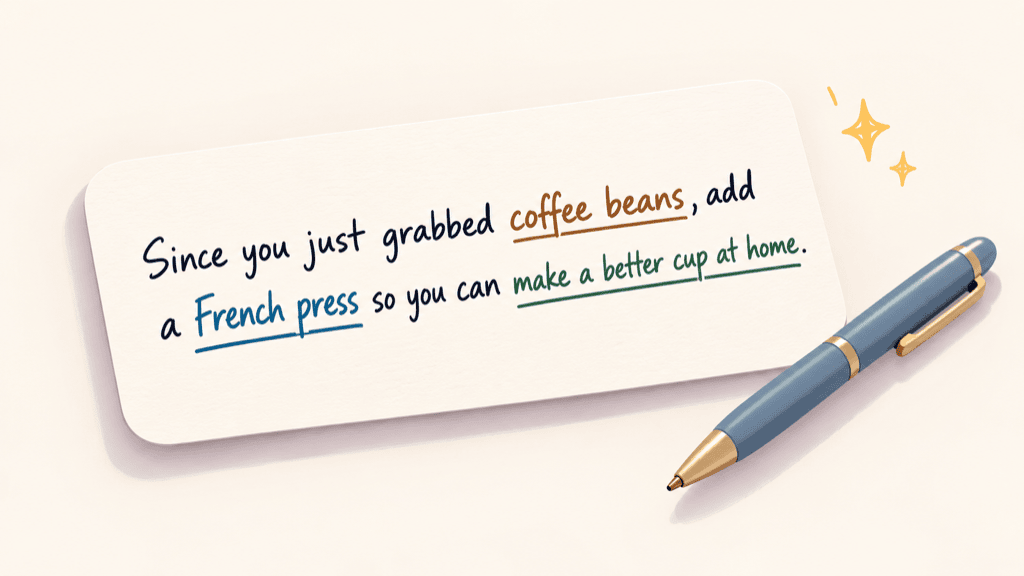
Don’t close this tab without doing the one thing that makes the rest easy. Open a note and fill in this line for your own store:
“Since you just grabbed , add ___ so you can .”
That’s it. Five minutes, no apps, no setup yet. Once you’ve got the sentence, the add-on and the page it goes on are obvious, and you’ve turned a vague “I should set that up” into something you can hand to yourself or your developer this week.
“But What If…”
“What if my platform doesn’t do one-click upsells?”
Your first post-purchase email is the next-best slot: one complementary offer with a direct buy or add-to-order link. Just know that without a one-click app this may create a second small order rather than expanding the first. That’s still worth doing, it’s just not the same seamless add, so set your expectations accordingly.
“What if it annoys buyers?”
One relevant add-on that completes the purchase is the opposite of a random popup. What annoys people is irrelevance, the offer that has nothing to do with what they came for. Get the match right and most buyers read it as you being helpful.
“What if my margins are too thin to discount?”
Use a next-order coupon instead of a discounted add-on. It protects your margin on the current order because you’re not giving anything away today. It does cost margin on the second purchase, and lean too hard on it and you train buyers to wait for a code, so keep the coupon modest and treat it as a nudge, not a habit.
That last step of checkout is real estate you’re already paying for. Every ad, every email, every bit of effort that got the buyer to the button also got them there, and right now, for most stores, it’s a blank wall. Leaving it blank is a choice, even if nobody ever decided it on purpose.
The cheapest sale you’ll make this quarter is the one you add to an order somebody already placed.

